Looking for a quick arcade game? Ultimate Strike runs in the browser and needs no download. It leans on multiplayer and shooting, so expect plenty of replay value. It works the same on desktop, tablet and phone, and your progress picks up where the game left it.
About Ultimate Strike
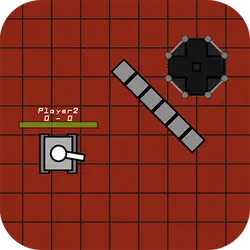
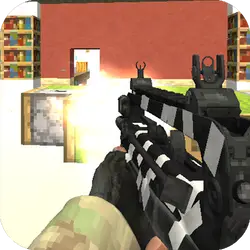
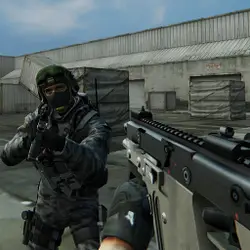
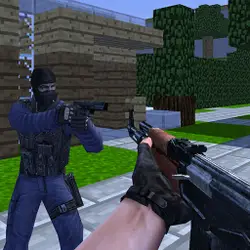
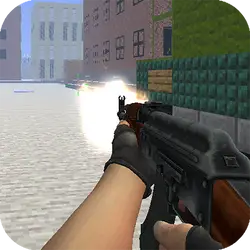
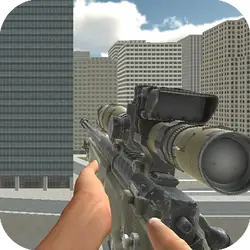
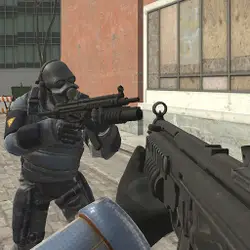
Ultimate Strike features big arsenal of weapons which consists of twenty seven different guns and intense multiplayer battles across nine highly detailed maps, you spawn with random weapons loadout and your mission is to shoot all rival players in order to win.
How to play Ultimate Strike
Getting started takes about ten seconds. Nothing about the control scheme is unusual; the table below covers all of it. The game is wide rather than tall — fullscreen is worth it on a monitor, and on a phone the picture is much better sideways. Most players get the hang of it inside two or three attempts.
Controls
| Input | Action |
|---|---|
| Mouse | Aim |
| Left click | Fire |
| WASD | Move |
| R | Reload |
On mobile: Tap and swipe on screen. Turn your phone sideways — this game is designed for landscape and fills a horizontal screen.
Why it is worth playing
Difficulty in Ultimate Strike comes from the game itself rather than from waiting, unlocking or paying, which is rarer than it should be. It earns the replay rather than demanding it.
At a glance
- Free to play with no account required
- Runs in the browser — nothing to download or install
- Landscape layout with fullscreen support
- Keyboard and mouse on desktop, full touch support on mobile.
- Multiplayer gameplay — Play alongside or against other people
- Shooting gameplay — Aim, fire, repeat
- Added to our catalogue from a 2022 release
Frequently asked questions
Is Ultimate Strike free to play?
Yes, entirely free. Ultimate Strike costs nothing to play, asks for no card and has no paid tier hiding behind it.
Do I need to download or install anything?
No. Ultimate Strike is an HTML5 game that runs inside the page itself. There is nothing to install, no plugin and no launcher — it loads like any other web page.
Can I play Ultimate Strike on my phone?
Yes — mobile is fully supported. Tap and swipe on screen. Turn your phone sideways — this game is designed for landscape and fills a horizontal screen.
What are the controls for Ultimate Strike?
Keyboard and mouse on desktop, full touch support on mobile. Mouse — aim; Left click — fire; WASD — move; R — reload.
Can I play Ultimate Strike fullscreen?
Yes — the button in the top-right corner of the player goes fullscreen, and Escape returns you to the page.
What kind of game is Ultimate Strike?
Ultimate Strike is a arcade game built around multiplayer and shooting. If that is the sort of thing you enjoy, the related games further down the page are picked using the same tags.