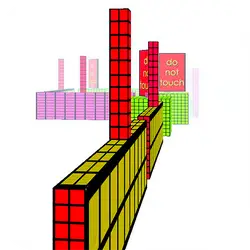
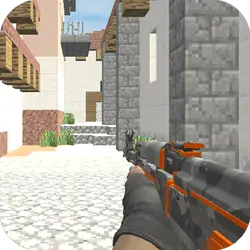
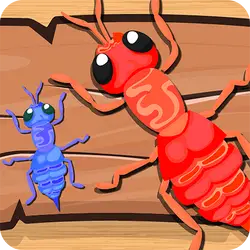
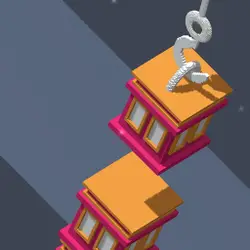
mySolar is a free arcade game you can play right here in your browser. The core of it is sandbox & building. Everything runs client-side, so it starts fast even on a modest connection.
About mySolar
Freely build your dream sandbox solar system, planet and satellite Play as a God, build your own solar. Roaming the universe to collect GP (God point) and MP (Mass point) to grow your solar. Defeat all emery solars, absorb their resources.
How to play mySolar
Getting started takes about ten seconds. Keep a hand on the arrow keys / WASD; everything else is listed in the controls table. The game is wide rather than tall — fullscreen is worth it on a monitor, and on a phone the picture is much better sideways. Take the first run as practice and the second one seriously.
Controls
| Input | Action |
|---|---|
| Mouse | Navigate menus and interact |
| Arrow keys / WASD | Move |
| Spacebar | Primary action |
On mobile: Tap and swipe on screen. Turn your phone sideways — this game is designed for landscape and fills a horizontal screen.
Why it is worth playing
mySolar does one thing and does it properly. There is no bloat around the edges, which is exactly what you want from a arcade game in a browser tab. That is the whole pitch, and it is enough.
At a glance
- Free to play with no account required
- Runs in the browser — nothing to download or install
- Landscape layout with fullscreen support
- Keyboard and mouse on desktop, full touch support on mobile.
- Sandbox & Building gameplay — Build whatever you want
- Added to our catalogue from a 2022 release
Frequently asked questions
Is mySolar free to play?
Yes. mySolar is completely free and runs in your browser. There is no purchase, no subscription and no account needed — open the page and play.
Do I need to download or install anything?
Nothing at all. mySolar runs in the browser tab you already have open, the same way a video or a map does.
Can I play mySolar on my phone?
Yes — mobile is fully supported. Tap and swipe on screen. Turn your phone sideways — this game is designed for landscape and fills a horizontal screen.
What are the controls for mySolar?
Keyboard and mouse on desktop, full touch support on mobile. Mouse — navigate menus and interact; Arrow keys / WASD — move; Spacebar — primary action.
Can I play mySolar fullscreen?
There is a fullscreen control in the top-right of the player. Press Escape when you want the page back.
What kind of game is mySolar?
mySolar is a arcade game built around sandbox & building. If that is the sort of thing you enjoy, the related games further down the page are picked using the same tags.