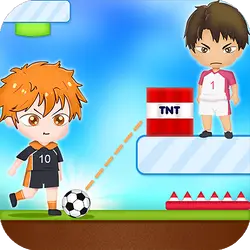
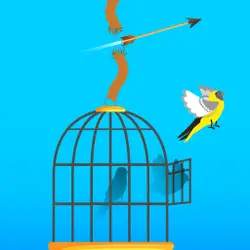
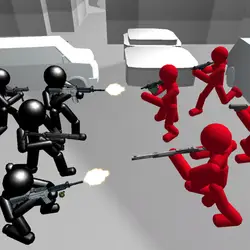
Mincraft Archer is a browser-based arcade game that runs instantly, with nothing to install. The core of it is shooting and physics. It works the same on desktop, tablet and phone, and your progress picks up where the game left it.
About Mincraft Archer
Get ready for a wild pixelated showdown in a 2D faceoff that's pure chaos! No crafting, just fast-paced arrow-shooting action. Will you lead Steve to glory, or can the wily Skeleton outmaneuver you? Brace yourself for an indie game thrill, where every arrow counts and victory hangs in the balance. Get your game face on – the clash is on!
How to play Mincraft Archer
Getting started takes about ten seconds. The controls are listed in full in the table below — there are only a handful of them. Landscape layout: give it the fullscreen button on desktop, or rotate your phone. Most players get the hang of it inside two or three attempts.
Controls
| Input | Action |
|---|---|
| Mouse | Aim |
| Left click | Fire |
| WASD | Move |
| R | Reload |
On mobile: Tap and swipe on screen. Turn your phone sideways — this game is designed for landscape and fills a horizontal screen.
Why it is worth playing
Arcade games live or die on how fast they get going. Mincraft Archer gets going immediately. It is not trying to be anything larger, and it is better for it.
At a glance
- Free to play with no account required
- Runs in the browser — nothing to download or install
- Landscape layout with fullscreen support
- Keyboard and mouse on desktop, full touch support on mobile.
- Shooting gameplay — Aim, fire, repeat
- Physics gameplay — Momentum and gravity do half the work
- Added to our catalogue from a 2023 release
Frequently asked questions
Is Mincraft Archer free to play?
Yes, entirely free. Mincraft Archer costs nothing to play, asks for no card and has no paid tier hiding behind it.
Do I need to download or install anything?
No download, no installer, no plugin. Mincraft Archer is HTML5, so the browser plays it directly.
Can I play Mincraft Archer on my phone?
Yes. Tap and swipe on screen. Turn your phone sideways — this game is designed for landscape and fills a horizontal screen.
What are the controls for Mincraft Archer?
Keyboard and mouse on desktop, full touch support on mobile. Mouse — aim; Left click — fire; WASD — move; R — reload.
Can I play Mincraft Archer fullscreen?
Yes. Use the fullscreen button in the top-right of the game player to expand it to the whole screen, and press Escape to come back out.
What kind of game is Mincraft Archer?
Mincraft Archer is a arcade game built around shooting and physics. If that is the sort of thing you enjoy, the related games further down the page are picked using the same tags.