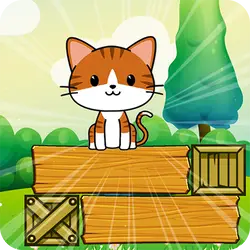
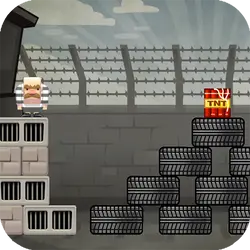
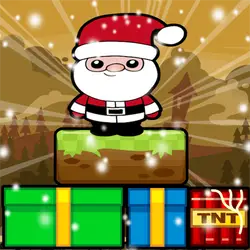
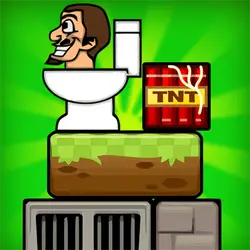
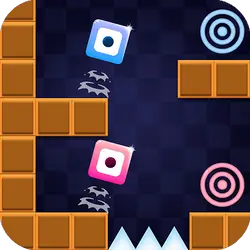
Block Puzzle drops you into a arcade challenge you can start in a couple of seconds. It leans on puzzle, block & tetris-like and physics, so expect plenty of replay value. Everything runs client-side, so it starts fast even on a modest connection.
About Block Puzzle
Welcome to Blockpuzzle, challenge physics until you fall to the floor without leaving the screen, pass all the levels and reach the end, what are you waiting for ??? go now and play Blockpuzzle and the fun will be guaranteed !!!!
How to play Block Puzzle
The rules land within the first few seconds of play. Nothing about the control scheme is unusual; the table below covers all of it. The game is wide rather than tall — fullscreen is worth it on a monitor, and on a phone the picture is much better sideways. The second run is always better than the first — that is the whole learning curve.
Controls
| Input | Action |
|---|---|
| Mouse | Select and drag pieces |
| Left click | Confirm a move |
On mobile: Tap and swipe on screen. Turn your phone sideways — this game is designed for landscape and fills a horizontal screen.
Why it is worth playing
Block Puzzle is easy to start and harder to master, which is the balance the best browser games hit. A browser game does not need to be more than that.
At a glance
- Free to play with no account required
- Runs in the browser — nothing to download or install
- Landscape layout with fullscreen support
- Keyboard and mouse on desktop, full touch support on mobile.
- Puzzle gameplay — Slow down and solve it
- Block & Tetris-like gameplay — Fit the shapes, clear the lines
- Physics gameplay — Momentum and gravity do half the work
- Added to our catalogue from a 2021 release
Frequently asked questions
Is Block Puzzle free to play?
Yes, entirely free. Block Puzzle costs nothing to play, asks for no card and has no paid tier hiding behind it.
Do I need to download or install anything?
Nothing at all. Block Puzzle runs in the browser tab you already have open, the same way a video or a map does.
Can I play Block Puzzle on my phone?
Yes — mobile is fully supported. Tap and swipe on screen. Turn your phone sideways — this game is designed for landscape and fills a horizontal screen.
What are the controls for Block Puzzle?
Keyboard and mouse on desktop, full touch support on mobile. Mouse — select and drag pieces; Left click — confirm a move.
Can I play Block Puzzle fullscreen?
Yes — the button in the top-right corner of the player goes fullscreen, and Escape returns you to the page.
What kind of game is Block Puzzle?
Block Puzzle is a arcade game built around puzzle, block & tetris-like and physics. If that is the sort of thing you enjoy, the related games further down the page are picked using the same tags.